Create a flowchart online — pick a template, start flowing
Every flowchart template below is fully editable — open one and it's yours to customize, right in your browser.
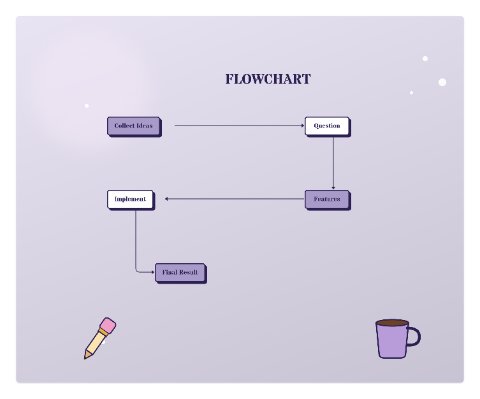
Creative Workflow
Open template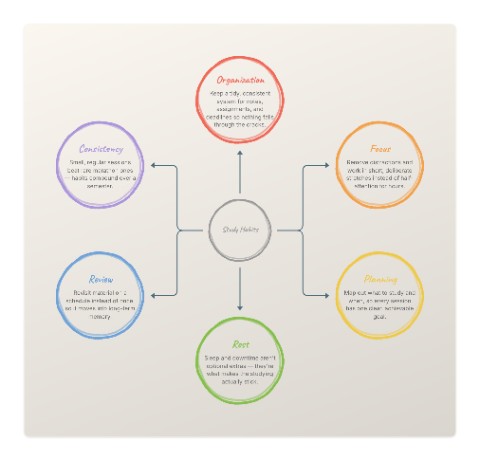
Study Habits
Open template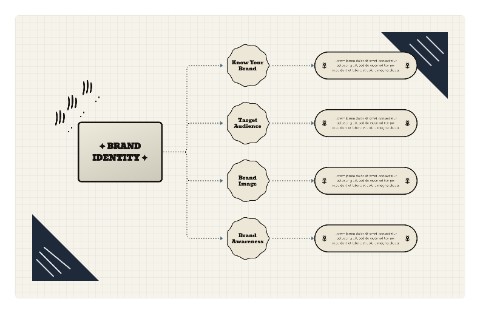
Brand Identity
Open template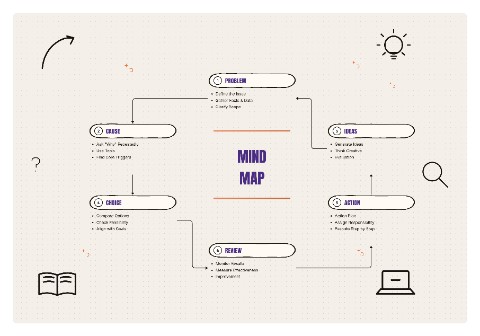
Mind Map
Open template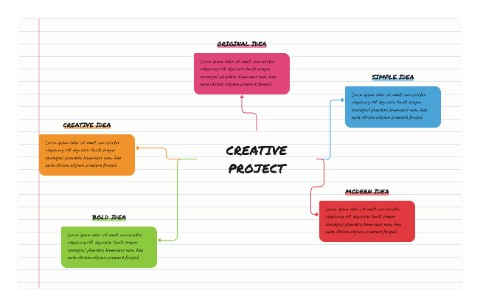
Creative Project
Open template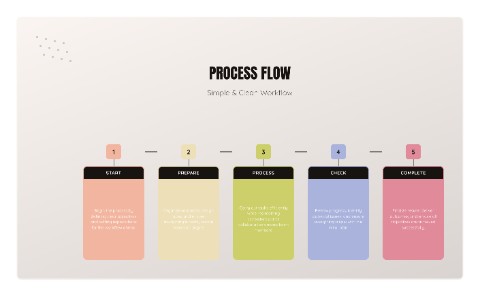
Process Flow
Open template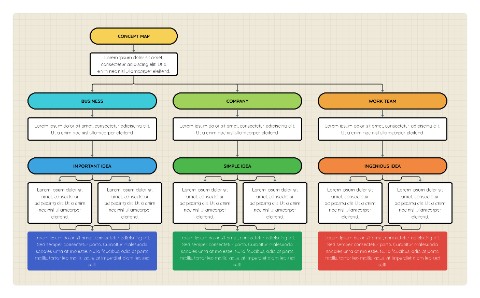
Concept Map
Open template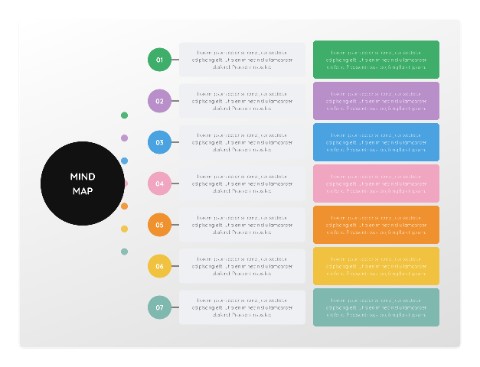
Orbit Map
Open template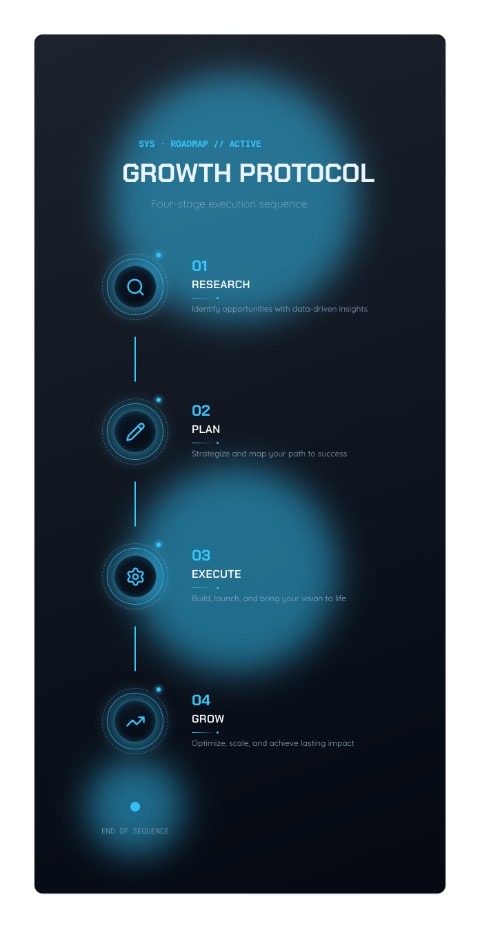
Growth Protocol
Open template
Customer Lifecycle Flow
Open template
AI Workflow Hub
Open template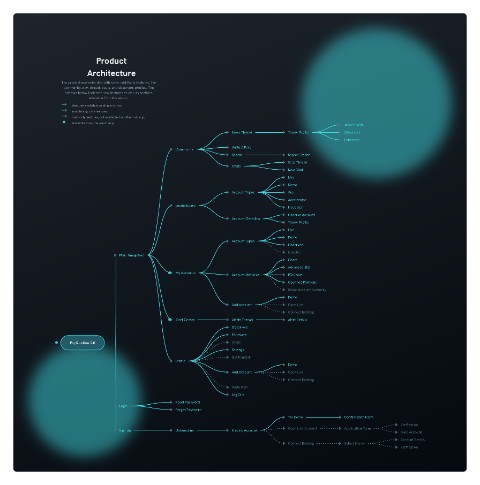
Product Architecture
Open template
Growth Roadmap
Open template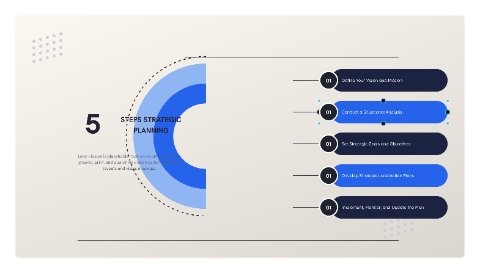
5 Steps Strategic Planning
Open template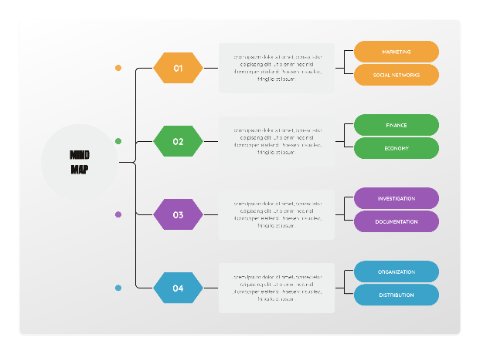
Radial Idea Map
Open template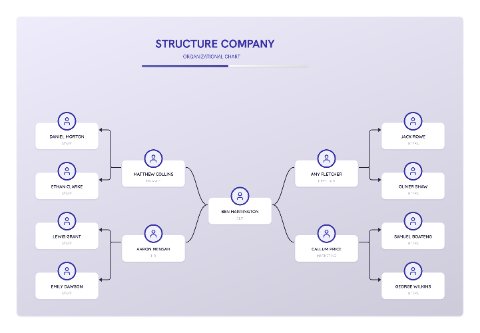
Structure Company
Open template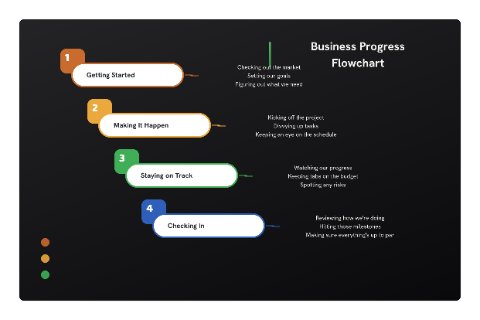
Business Progress Flowchart
Open template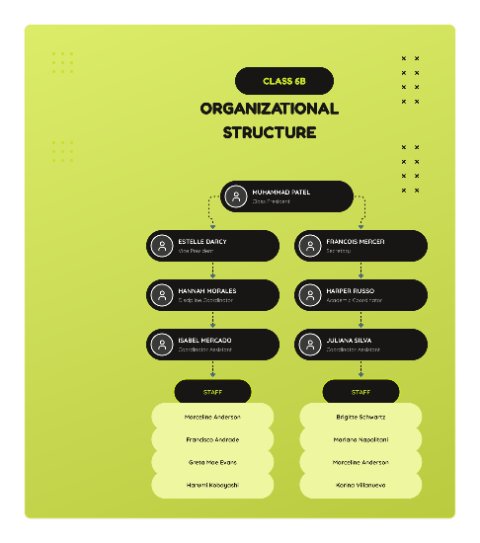
Class Organizational Structure (Lime)
Open template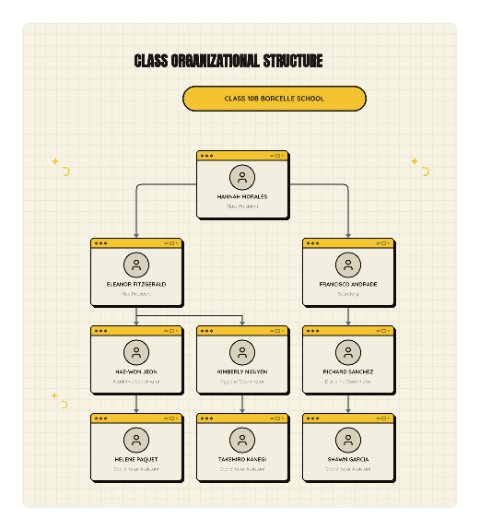
Class Organizational Structure (Cream)
Open template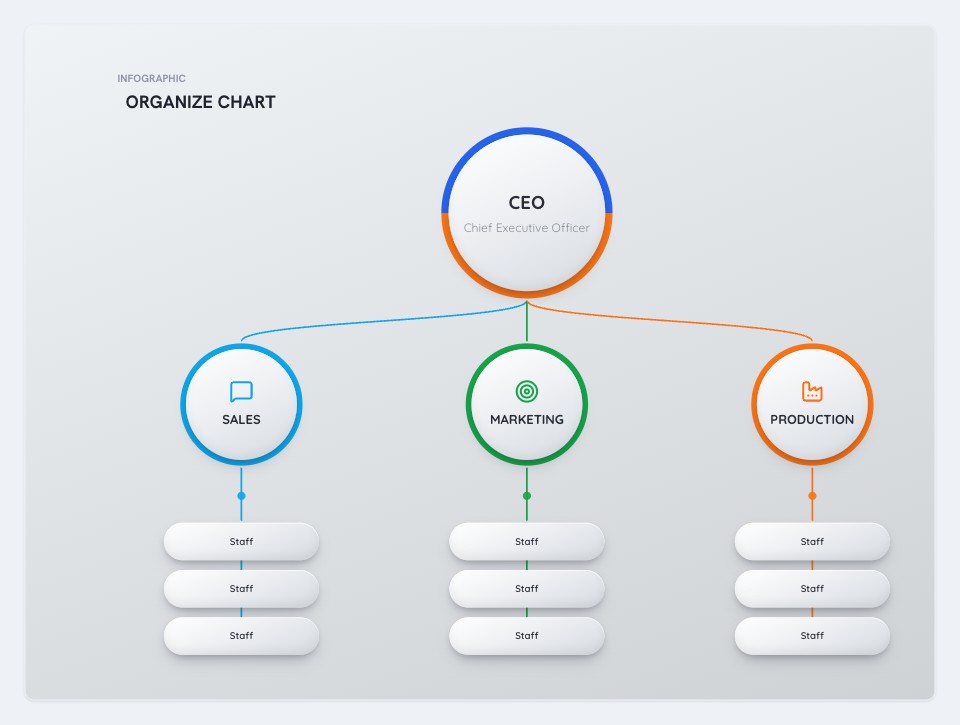
CEO Organizational Chart
Open template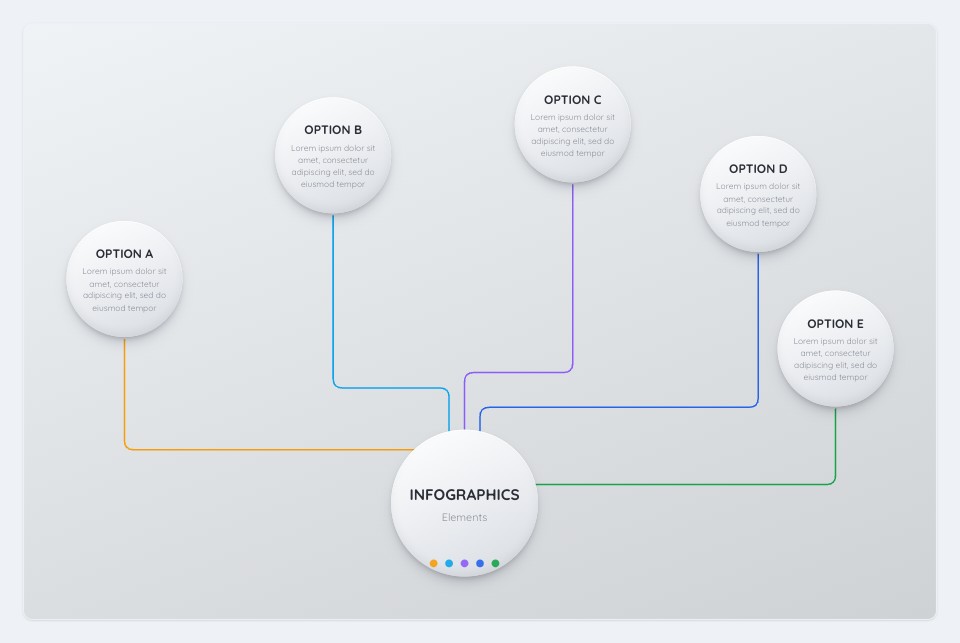
5-Option Radial Infographic
Open template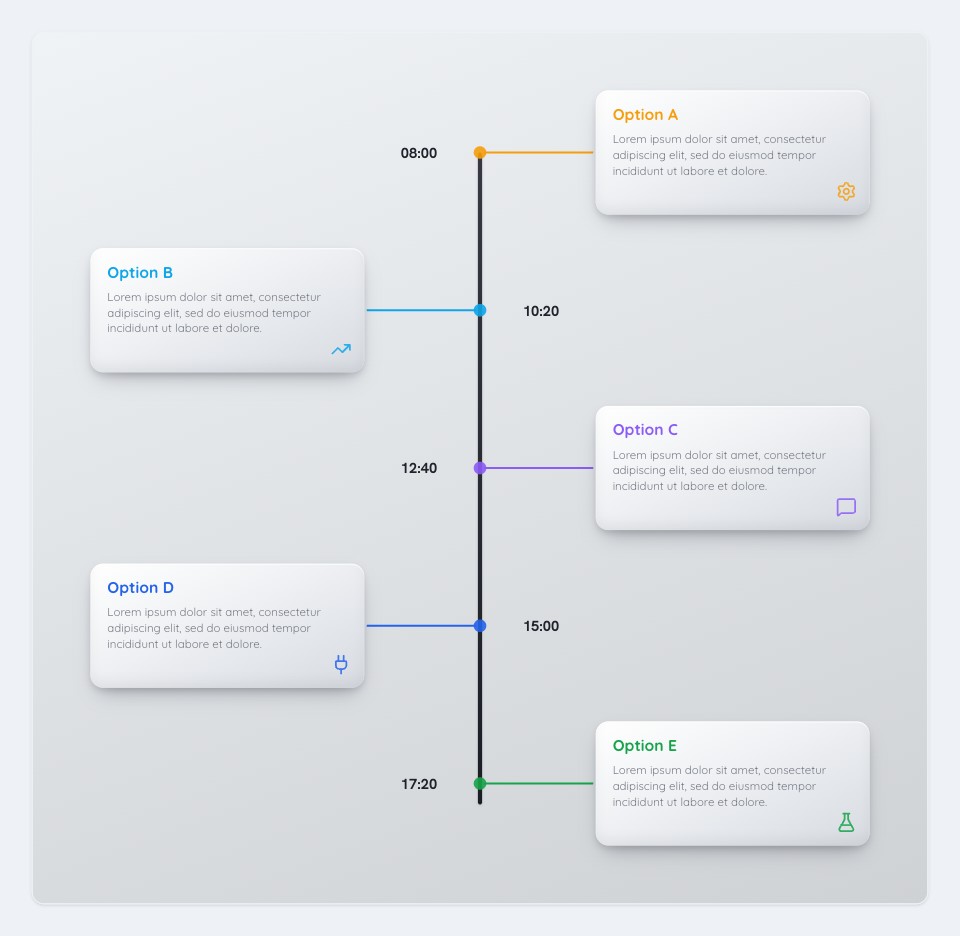
Vertical Timeline
Open template
Icon Org Tree
Open templateEvery tool, in one place
Pick a tool below and get started in one click.
Flowchart Maker
Design flowcharts and diagrams online, then export as an image or PDF.
Open toolIcons Flowchart
Uses icons to represent each step, for quick visual understanding.
Open toolImage Flowchart
Uses real photos to represent each step, for better visual clarity.
Open toolText to Flowchart
Describe a process in plain language and AI lays it out as a flowchart.
Open tool3D Flowchart
Same shapes and connectors, rendered with glossy, dimensional depth.
Open toolFlowchart Scanner
Upload a photo of an existing flowchart and AI rebuilds it, ready to edit.
Open toolFlowchartLab
Recent flowcharts
All diagrams saved
Processed locally on your device — nothing uploaded
Works in every modern browser — no extension, no install
Tools that work for your workflow.
Everything you need to sketch, structure, and share a diagram, built to be fast and trustworthy.
Text to Flowchart
Describe a process in plain language and AI lays it out as a flowchart, ready to edit in the same canvas.
Try itFlowchart Maker
Sketch flowcharts and diagrams with connectable shapes, then export as a PNG or PDF you can drop straight into a doc.
Open the editorPrivate by design
For every tool but two, there’s no server in the loop — diagrams are built and exported on your own device using your browser’s built-in engine, never uploaded or seen by us. The two exceptions are Text to Flowchart and Flowchart Scanner, which send your text or image to Claude (Anthropic) so it can interpret it.
// runs entirely in your browser
async function exportDiagram(canvas: Canvas) {
  const result = await renderLocally(canvas);

  // nothing is ever sent to a server
  return result;
}
Frequently asked questions
- Do you store or upload my diagrams?
- For every tool except Text to Flowchart and Flowchart Scanner: no. Everything is built and rendered locally in your browser using JavaScript, and nothing is sent to a server. Those two are the exceptions — they send your text or image to Claude (Anthropic) so it can interpret it into a diagram.
- Is FlowchartLab really free?
- Yes. Every tool is free to use, with no sign-up, watermark, or diagram-count limit.
- How does Text to Flowchart work?
- You describe a process in plain language, and it's sent to Claude (Anthropic) to identify the steps and decisions and turn them into a flowchart, which then opens in the normal editor for you to adjust, restyle, or export.
- How does Flowchart Scanner work?
- You upload a photo or screenshot of an existing flowchart — hand-drawn, whiteboard, or from another tool — and it's sent to Claude (Anthropic) to read every shape, label, and connection and rebuild the same diagram, which then opens in the normal editor for you to adjust, restyle, or export.
- Can I export my flowchart?
- Yes. Every diagram can be exported as a high-resolution PNG or a PDF, ready to drop straight into a document or presentation.
Get it done, right in your browser.
No sign-up, no watermark, no account required. Pick a tool and try it in seconds.